 Vue
Vuerrweb: Session Replays
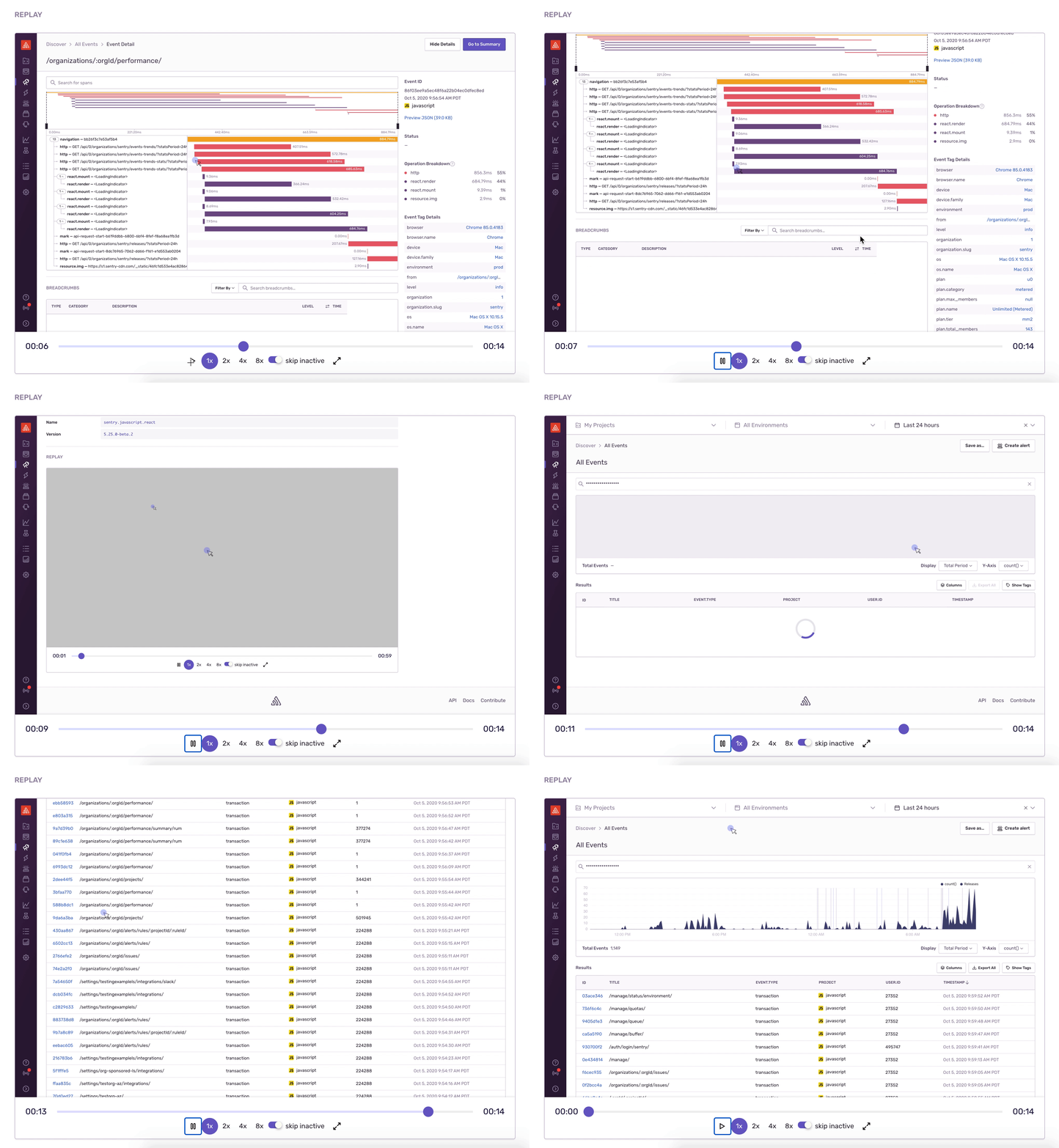
Sentry provides a proof-of-concept integration with rrweb - a toolkit for recording and replaying user sessions. This can be extremely helpful when diagnosing complex user behavior in a rich Single Page Application.
Replays utilize Attachments, which are billed separately from errors.
Configuration
To get started you'll need to add the @sentry/rrweb and rrweb packages:
npm install --save @sentry/rrweb rrwebNext register the integration with the Sentry SDK. This will vary based on the framework you're using:
import * as Sentry from "@sentry/browser";
import SentryRRWeb from "@sentry/rrweb";

Sentry.init({
  dsn: "https://examplePublicKey@o0.ingest.sentry.io/0",
  integrations: [
    new SentryRRWeb({
      // ...options
    }),
  ],
  // ...
});
For more information on configuration, see the @sentry/rrweb project on GitHub.
Once a replay is captured with an event, you'll find it visible within Issue Details under the Replay section of the event.
Sampling
To suit your organization's needs, you may prefer to sample replays. The easiest way to do this is to make the sampling decision when you initialize the Sentry SDK. For example, here's how Sentry itself uses sampling to capture these for only employees:
const hasReplays = getCurrentUser().isStaff;

let integrations = [];
if (hasReplays) {
  console.log("[sentry] Instrumenting session with rrweb");
  integrations.push(new SentryRRWeb());
}

Sentry.init({
  dsn: "https://examplePublicKey@o0.ingest.sentry.io/0",
  integrations,
});

Sentry.setTag("rrweb.active", hasReplays ? "yes" : "no");
You'll note we also set the rrweb.active tag, which helps us identify events that have a replay attached, since otherwise we'd not be able to find them. Once configured, you'll be able simply use rrweb.active:yes in your search queries.
- Package:
- npm:@sentry/browser
- Version:
- 5.25.0
- Repository:
- https://github.com/getsentry/sentry-javascript