Google Cloud Run
Cloud Run helps developers save time in building and deploying their applications. Sentry helps save time in resolving production issues by providing detailed debugging capabilities.
Set Up
Create an account (or Login) on Sentry
Choose your application platform
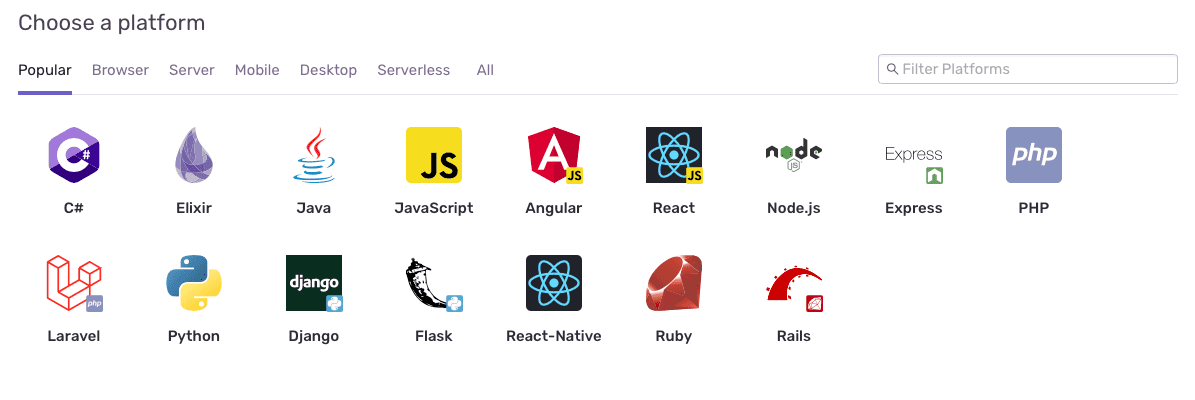
Follow instructions to instrument your Cloud Run application. Detailed platform docs here.
Deploy your Cloud Run application with GCP.
That's it! Sentry will now report all issues from your Cloud Run application.
You can edit this page on GitHub.